
A website’s design is a holistic plan that integrates functionality, user experience, and aesthetics. It goes beyond simply designing an aesthetically pleasing interface. We’ll explore the essential elements of website design in this comprehensive tutorial, which every aspiring web designer and business owner should be aware of.
Introduction
A website acts as both a company’s and an individual’s online storefront in the digital era. A well-designed website builds credibility and trust by drawing in visitors and keeping them interested. Let’s examine the essential components of a successful online presence as we set out on this trip through the complexities of website design.
This in-depth tutorial will take you step-by-step through the fundamental ideas, industry best practices, and necessary procedures to build a visually stunning, intuitive, and useful website.
Recognizing Your Target Audience:
Knowing your target audience is essential before you start the design process. To make your design meet their wants and expectations, find out about their preferences, demographics, and behavior.
Identifying the Goal of Your Website:
Give a clear explanation of the goal behind your website. Are you creating a community, offering information, or making sales? Setting clear objectives will direct the design process and assist you in producing a user-focused product.
Design that Responds:
Designing for mobile devices has become more and more important. Make sure your website works and looks great on a range of screens and gadgets.
Navigation:
A good user experience depends on intuitive navigation. Make sure your menu structure is understandable and well-organized so that users can quickly locate the information they need.
Color Scheme and Typography:
Pick a readable font and a scheme that work well together to complement your brand and improve the overall look of your website. A polished and professional appearance is promoted by consistency in design elements.
Whitespace and Layout:
Making effective use of whitespace, or negative space, enhances readability and creates a clear, uncluttered look for your website. Try out various layouts to determine which one best suits the needs of the user.
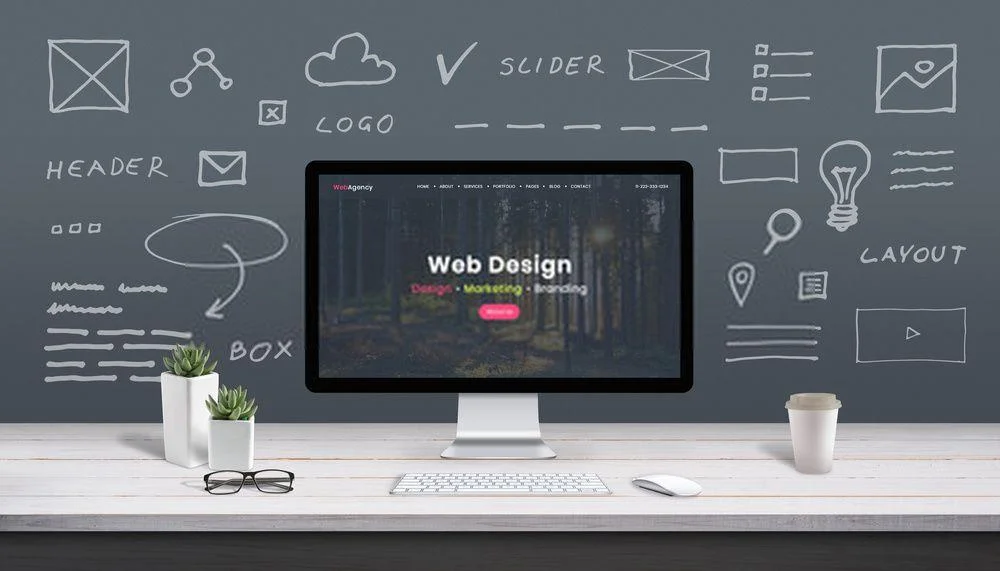
photographs and Multimedia:
Adding eye-catching images, videos, and graphics to your website can enhance its visual appeal. Aim for optimal online consumption for all media files to preserve fast loading times.
Elements of a Call-to-Action (CTA):
Place CTAs strategically to direct users toward desired activities, like as buying something, signing up for a newsletter, or getting in touch with you. Employ attention-grabbing language and design cues to draw readers in.
Uniform Branding:
Make sure that all of the branding components on your website—logos, colors, and text—are consistent. This strengthens the identity of your brand and fosters trust.
Acquired Speed:
Reduce the loading time of your website by employing browser caching, coding best practices, and image compression. A website that loads quickly enhances the user experience.
Best Practices for SEO:
Put into practice fundamental SEO techniques like building a sitemap, adding pertinent keywords, and employing descriptive meta tags. This raises the visibility of your website in search results.
User Analyzing:
Do user testing prior to website launch to find any usability problems. Get input from actual users so that you may make well-informed changes.
In conclusion:
An effective website Design is the result of careful planning, well-considered design decisions, and ongoing improvement. You’ll be well-equipped to create a website that not only looks fantastic but also offers your visitors a seamless and pleasurable experience if you adhere to the guidelines provided in this tutorial. To make sure your website is useful and effective over time, stay up to date on changing design trends and technological advancements.